

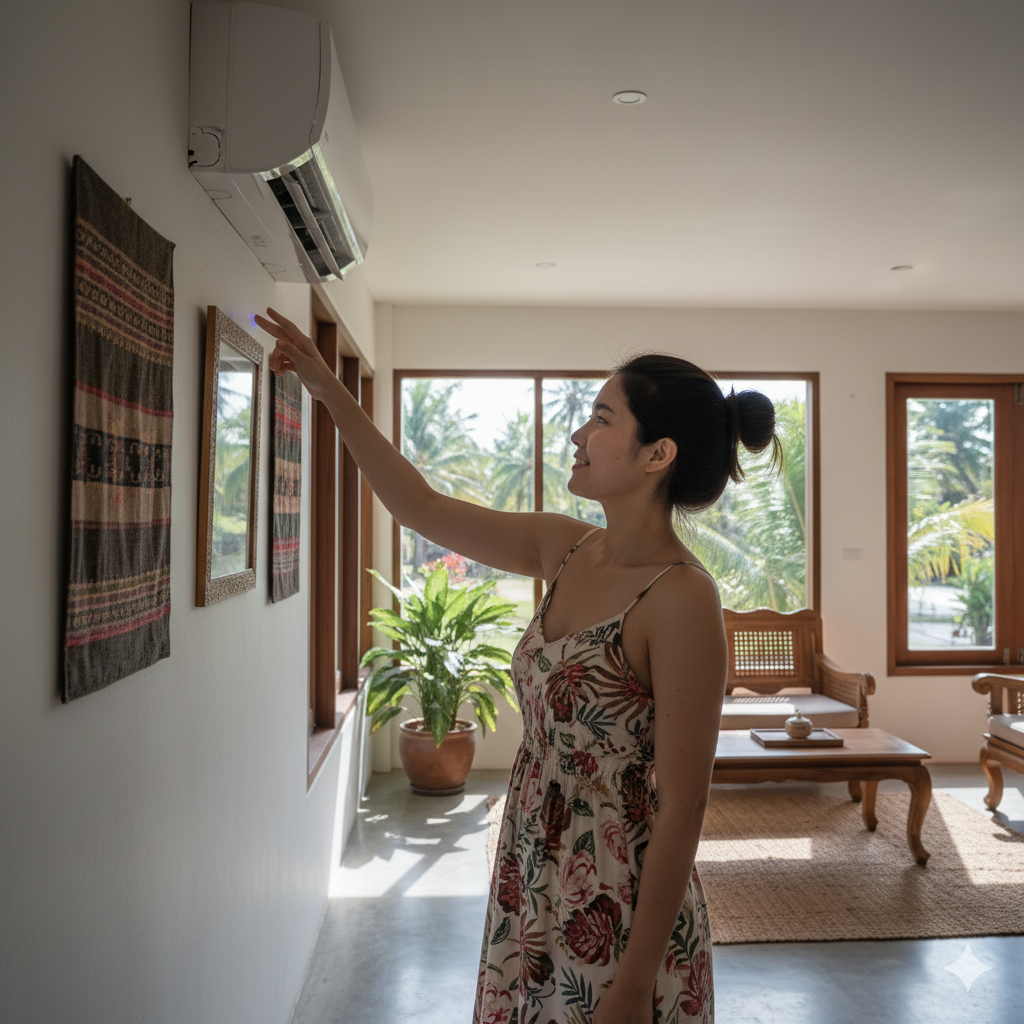




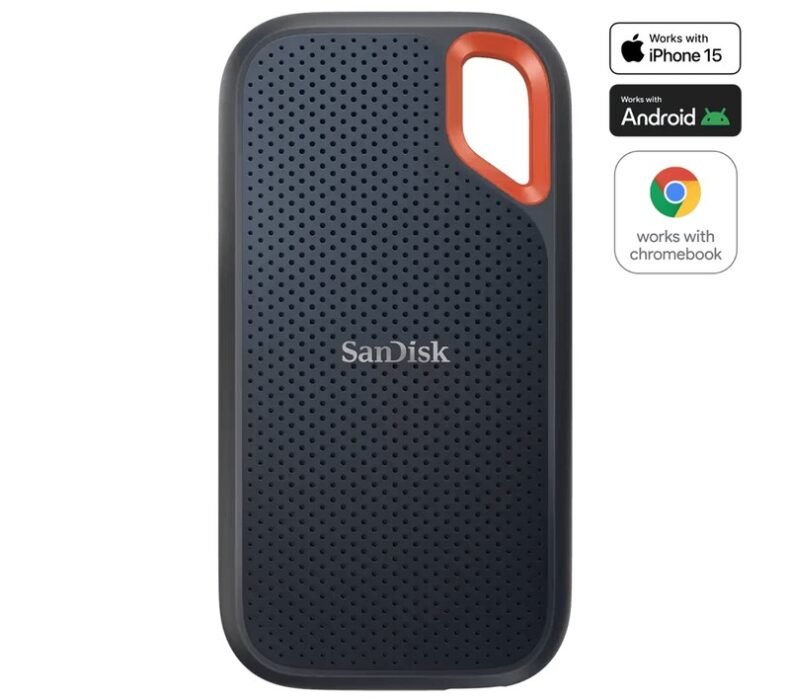
For video editors and camera crews, the first question is not the biggest number on the box. It is whether the drive can keep project copies, backups, exports, and handoff files predictable under deadline pressure.
Video editors and camera crews in Thailand need portable SSDs that can handle project shuttles, scratch-disk work, field backups, and reliable warranty routes.
Best for: editors, camera teams, creators, and small production crews who need portable project storage in Thailand. Skip if: you only need occasional document backup or cloud-first storage.
| Best use. | Video project transfer, camera backups, editing scratch space, and client handoff. |
|---|---|
| Price range checked. | THB 7,150 to THB 9,990. |
| Main buying checks. | Sustained transfers, heat behavior, capacity, ruggedness, warranty route, and return timing. |
Check price for SanDisk Extreme Portable SSD V2 1TB, about THB 7,150
Pros
- SanDisk Extreme Portable SSD V2 1TB gives the shortlist a rugged handoff drive for crews moving 4K projects between shoots.
- Samsung T7 Shield Portable SSD 1TB covers the compact drop-resistant slot when the drive has to travel in a camera bag.
- SanDisk Portable SSD 1TB keeps a lower-cost project shuttle in the mix instead of forcing every buyer into a rugged flagship.
Cons
- Portable drives still need a backup plan, not a single-copy habit.
- Real transfer speed can depend on cable quality, host ports, heat, and file mix.
How To Shortlist Fast
This shortlist favors portable SSDs with product-specific stock links, known storage brands, USB-C transfer fit, and clear tradeoffs for field editors.
- Sustained transfer speed
- Ruggedness and drop risk
- Capacity and price fit
- Warranty and return path
1. SanDisk Extreme Portable SSD V2 1TB
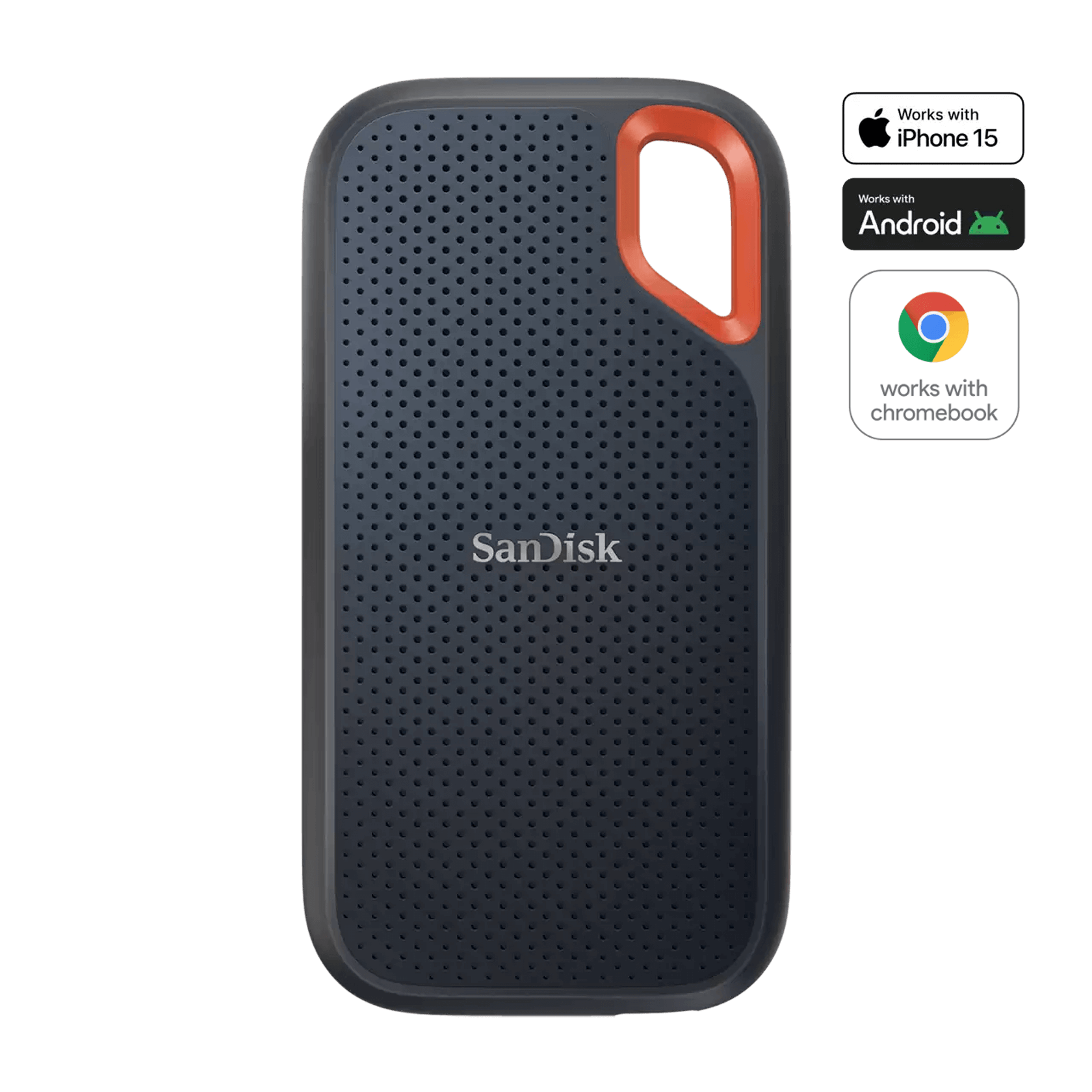
Best for: video editors who need a rugged scratch drive for 4K project handoff. Price checked: about THB 7,150.
SanDisk Extreme Portable SSD V2 1TB is worth shortlisting when the file routine matches its capacity, transfer behavior, warranty route, and seller terms. For video work, the practical check is not only the headline number; it is whether repeated project copies stay predictable.
The trade-off is fit. A faster or tougher drive is not automatically better if the crew mostly needs simple backups, and a cheaper drive can become expensive if a return or replacement is unclear before a deadline.
For Thailand, check exact capacity, delivery timing, warranty wording, return rules, and whether the product page is specific to the model you intend to buy.
- video editors who need a rugged scratch drive for 4K project handoff.
- Clear product-specific price and seller path can be checked before a shoot or edit deadline.
- Fits a real storage role instead of being chosen by peak speed alone.
- It costs more than basic portable SSDs, so the rugged shell only pays off if it leaves the desk often..
- skip it if you only move small documents and price matters more than ruggedness.
Check price for SanDisk Extreme Portable SSD V2 1TB, about THB 7,150
2. Samsung T7 Shield Portable SSD 1TB

Best for: camera crews that want a compact USB-C drive with drop and dust resistance. Price checked: about THB 9,990.
Samsung T7 Shield Portable SSD 1TB is worth shortlisting when the file routine matches its capacity, transfer behavior, warranty route, and seller terms. For video work, the practical check is not only the headline number; it is whether repeated project copies stay predictable.
The trade-off is fit. A faster or tougher drive is not automatically better if the crew mostly needs simple backups, and a cheaper drive can become expensive if a return or replacement is unclear before a deadline.
For Thailand, check exact capacity, delivery timing, warranty wording, return rules, and whether the product page is specific to the model you intend to buy.
- camera crews that want a compact USB-C drive with drop and dust resistance.
- Clear product-specific price and seller path can be checked before a shoot or edit deadline.
- Fits a real storage role instead of being chosen by peak speed alone.
- The compact size is convenient, but heavy multi-camera jobs may still need more than one drive..
- skip it if you need the cheapest baht-per-terabyte option.
Check price for Samsung T7 Shield Portable SSD 1TB, about THB 9,990
3. SanDisk Portable SSD 1TB
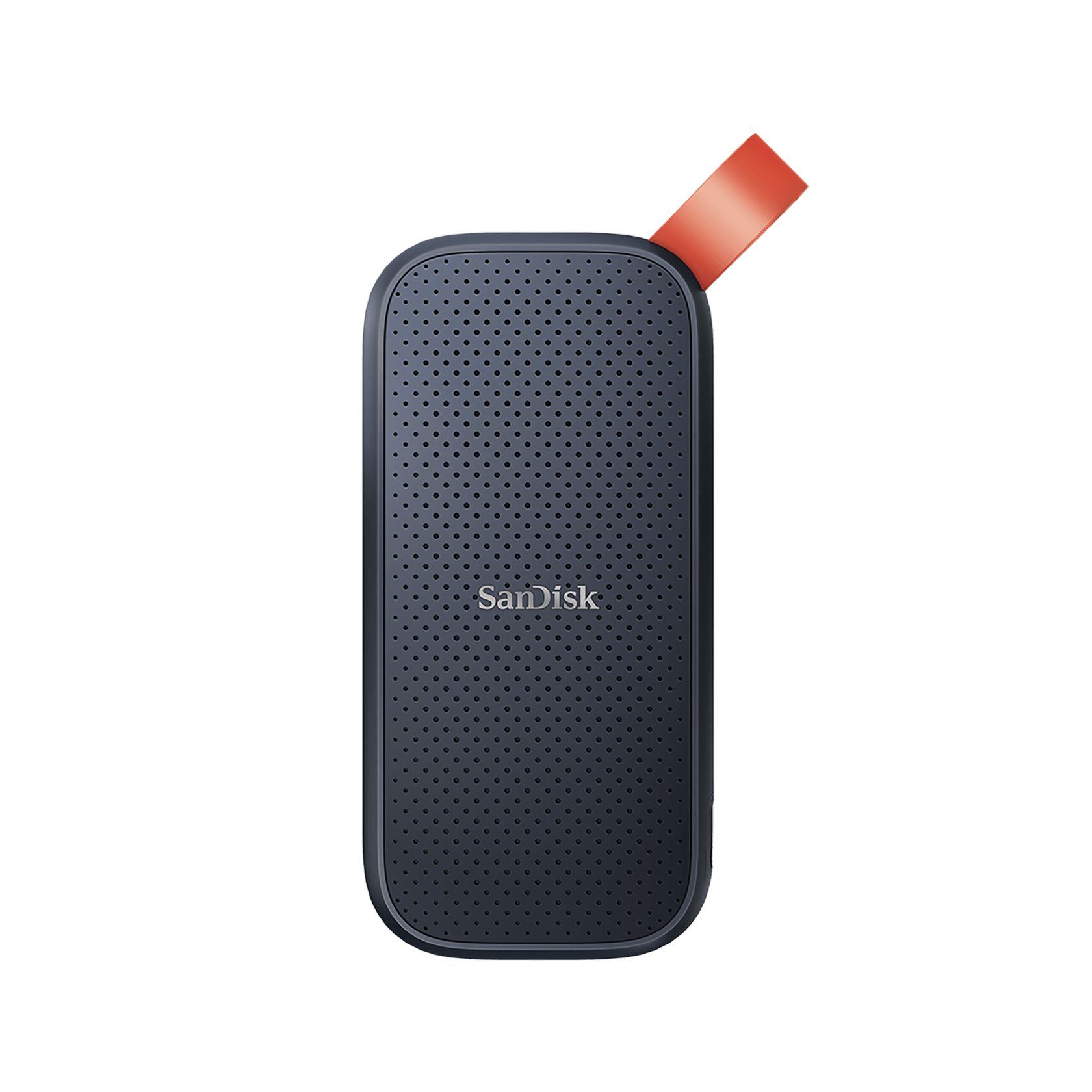
Best for: editors who want a simple USB-C project shuttle without paying for a rugged flagship. Price checked: about THB 9,750.
SanDisk Portable SSD 1TB is worth shortlisting when the file routine matches its capacity, transfer behavior, warranty route, and seller terms. For video work, the practical check is not only the headline number; it is whether repeated project copies stay predictable.
The trade-off is fit. A faster or tougher drive is not automatically better if the crew mostly needs simple backups, and a cheaper drive can become expensive if a return or replacement is unclear before a deadline.
For Thailand, check exact capacity, delivery timing, warranty wording, return rules, and whether the product page is specific to the model you intend to buy.
- editors who want a simple USB-C project shuttle without paying for a rugged flagship.
- Clear product-specific price and seller path can be checked before a shoot or edit deadline.
- Fits a real storage role instead of being chosen by peak speed alone.
- It is simpler than the Extreme line, so field durability is the tradeoff..
- skip it if water and dust resistance are mandatory for field work.
Check price for SanDisk Portable SSD 1TB, about THB 9,750
We did not test every drive ourselves. This page is a researched shortlist built from verified product links, brand product information, local price signals, and ET ownership checks, so the final step is still to confirm current seller terms before a paid shoot or edit deadline.
How To Choose For Video Work
Start with the file routine. A camera dump, a proxy edit, a 4K timeline, and a client handoff stress storage in different ways. The right drive is the one that fits the file path you repeat every week.
Capacity should be chosen with headroom. Project folders grow through backups, exports, cache files, sound, graphics, and client versions, so buying exactly today’s project size is usually too tight.
Sustained transfer behavior matters more than a short peak burst. If a drive slows during longer copies, the schedule can slip even when the product page looks fast.
Check the cable and host port as part of the purchase. A fast drive connected through the wrong cable or port can behave like a cheaper model, which makes the upgrade feel wasted.
Think about failure before it happens. A portable SSD is not a full backup strategy by itself. Keep at least one separate copy before formatting cards or handing files to another person.
Ruggedness helps on location, but it does not remove the need for a case, clean cable routing, and careful labeling. Drops, dust, and rushed packing are common causes of avoidable loss.
Warranty route matters in Thailand because deadlines are local. Clear return timing, real stock, and replacement steps are more useful than a small discount from an unclear seller.
If two drives look close, choose the one with simpler ownership: exact model naming, visible capacity, a seller you can contact, and return rules that match the job date.
For field crews, label the drive before the job starts. A name sticker, a short cable that stays with the drive, and a simple folder pattern can prevent confusion when cards, laptops, and client copies are moving at the same table.
For editors, test one full project copy before trusting a new drive. Copy a folder that looks like your normal job, open a few files from the drive, and check whether the case becomes hot enough to make desk placement awkward.
For teams, decide who owns the master copy at each handoff. A portable SSD is easy to pass around, which is useful, but it also makes version confusion easy if nobody writes down which copy is current.
Also think about the laptop you will use away from the studio. Some ultrabooks have only one fast port, and that port may already be needed for charging, a card reader, or an external monitor. If the drive needs an adapter every time, include that adapter in the kit and test it before travel.
Finally, do not let the lowest price decide the whole storage plan. A drive that arrives late, ships as the wrong capacity, or has unclear return terms can cost more than the price difference when footage is waiting. The safer buy is the one that keeps the job moving.
Keep a small written checklist with the drive: format, owner, project name, backup status, and return deadline. It is boring, but it stops expensive mistakes when several people handle the same footage.
Buying Notes For Thailand
Thailand buyers should confirm the exact capacity, warranty route, seller return timing, and delivery date before a shoot or editing deadline.
Related ET Guides
- Data storage and SSD buying guides
- Best portable SSDs in Thailand
- Computer accessories in Thailand
- Computer storage guides in Thailand
FAQ
Should portable SSDs be chosen by peak speed first?
No. Peak speed is only one part of the decision. Check sustained transfers, heat, cable quality, host port limits, warranty route, and the real file routine.
How much capacity should video editors buy?
Buy more than the current project size. Camera backups, cache folders, exports, and client handoff files grow quickly, especially on multi-camera jobs.
What should buyers in Thailand check before paying?
Check exact capacity, warranty wording, seller return timing, stock status, and delivery date before relying on the drive for a shoot or editing deadline.

Karn is ElectroThailand's lead gaming and computing editor. He covers gaming PCs, GPUs, CPUs, gaming peripherals, and everything in the PC building and esports space. With years of competitive gaming experience and a deep understanding of hardware benchmarks, Karn helps Thai gamers build smarter rigs without overspending.