





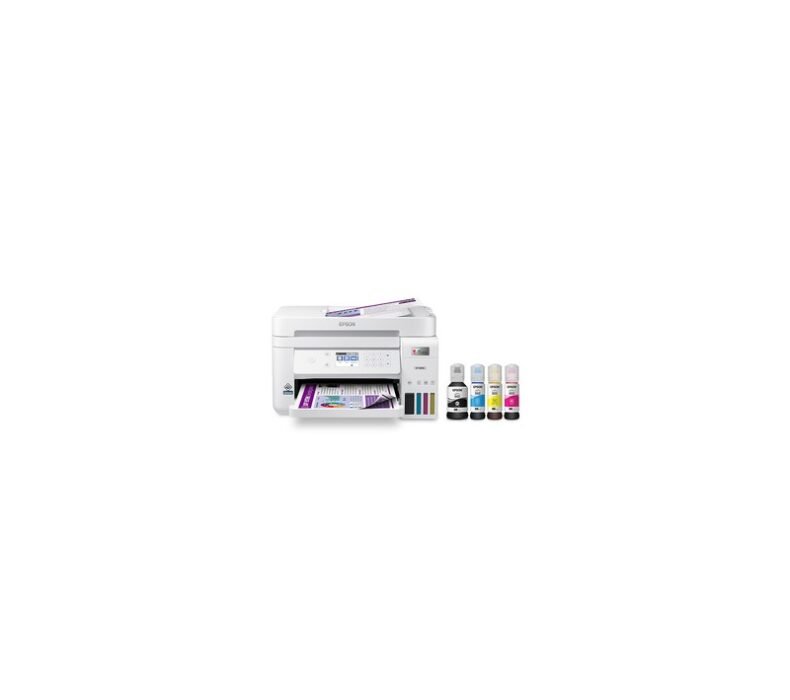
The Epson EcoTank L3250 is the best budget printer for Thai home offices and students who print regularly. Refillable ink tanks replace costly cartridges, keeping cost per page under ฿0.30 for black — roughly one-tenth of cartridge-based alternatives. At ฿3,990 on Lazada with Thai warranty, it handles documents and school assignments without the recurring expense that makes cartridge printers impractical in Thailand.
| Print Technology | Inkjet (EcoTank refillable) |
| Functions | Print, Scan, Copy |
| Connectivity | Wi-Fi, USB 2.0 |
| Print Speed | 10 ppm (B&W), 5 ppm (colour) |
| Max Resolution | 5,760 × 1,440 dpi |
| Ink Yield (Black) | ~7,500 pages per bottle set |
| Paper Size | A4, Letter, Legal |
| Weight | 3.9 kg |
Design and Build
The L3250 is compact enough for a desk in a Thai studio apartment — 375 × 347 × 179mm footprint. The ink tanks sit on the left side behind a transparent window, so you can see ink levels without opening anything. The tanks use numbered colour-coded bottles with a keyway design: the correct bottle physically cannot fit into the wrong tank, which matters in humid conditions where labels can curl and become hard to read.
Build quality is standard for this price tier — mostly ABS plastic, no frills. The paper tray extends from the front and holds 100 sheets. The output tray folds down manually. There is no automatic document feeder: you place one page at a time on the flatbed scanner. For document-only offices this is fine, but if you scan multiple pages regularly, it becomes repetitive quickly.
Thailand’s humidity does not affect this printer’s operation in the way it can affect laser toners. Inkjet nozzles can clog if the printer sits unused for weeks, but Epson’s auto-nozzle check runs on startup and the EcoTank ink formula is designed for the humid conditions common in Southeast Asian markets. Placing the printer in a room with AC running regularly helps prevent nozzle drying between print sessions.
Print Quality
For text documents — reports, assignments, invoices — the L3250 prints cleanly at its standard 360 dpi mode. Black text on white paper is sharp and legible. At 5,760 × 1,440 dpi, photo prints look decent for snapshots, though without a dedicated photo paper the colours are softer than a dedicated photo printer would produce. For presentations and PDF reports, quality is entirely acceptable.
Colour accuracy is good for an inkjet at this price point. Graphs and charts from Word or Excel reproduce clearly. If your work involves colour-accurate design proofing, a dedicated photo inkjet or laser printer with colour calibration will do better. For office and home use, the colour output is more than adequate.
Wi-Fi setup connects to your home router and allows wireless printing from Windows, macOS, Android, and iOS. Epson’s iPrint app handles mobile printing without needing to install a desktop driver. In practice, the Wi-Fi connection holds reliably on 2.4GHz networks — the type most Thai home routers prioritise for IoT devices. The printer does not support 5GHz.
Thai language characters print without issues. The L3250 driver fully supports UTF-8 and Thai font rendering — documents in Thai, English, or mixed are handled identically. AirPrint is supported for iOS users, allowing direct print from iPhone without installing any app. This is practically useful in a Thai home environment where the household mix of Android and iOS devices is common.
Running Costs — The Real Selling Point
An ink bottle set (4 colours, 70ml black / 70ml each colour) costs around ฿400–500 on Lazada. That set yields approximately 7,500 black pages and 5,000 colour pages. Per-page cost for black: under ฿0.10. For colour: approximately ฿0.20–0.30 per page depending on coverage.
Compare this to cartridge printers: a typical budget inkjet cartridge costs ฿300–600 and yields 100–200 pages, putting cost per page at ฿2–4. If you print 500 pages per month, the L3250 saves ฿800–2,000 per month in ink costs versus a cartridge printer. The printer pays for itself in ink savings within a few months of regular use.
Epson 003 bottles are widely available on Lazada and at Powerbuy, IT City, and branch printer shops across Bangkok, Chiang Mai, and major Thai cities. You are not dependent on a single seller for consumables. For students at Chulalongkorn, Mahidol, or KMUTT who print thesis chapters and supplementary materials in high volume, this availability matters — running out of ink mid-project is a practical problem the tank system removes entirely.
Thailand Context
The Epson EcoTank L3250 sells for approximately ฿3,990–4,290 on Lazada Thailand. Official Epson Thailand warranty is one year, available from authorized sellers including the Epson Thailand Official Store on Lazada and Powerbuy. Service Centers operate in Bangkok (Pratunam), Chiang Mai, and other major cities.
Internationally, the L3250 equivalent (ET-2850 in the US) sells for around $180 USD (฿6,500). Thailand pricing at ฿3,990 represents significantly better value — Epson prices inkjet printers competitively in Southeast Asia where the category is higher-volume.
Grey-market units sometimes omit the starter ink kit and may not qualify for Thai warranty service. Confirm the seller is Epson-authorized before buying — the Epson Thailand Official Store and Powerbuy on Lazada are the safest options. If you are shopping at Pantip Plaza, Fortune Town, or a regional IT mall in Chiang Mai or Korat, verify the warranty card explicitly states Epson Thailand and not a third-party distributor warranty before paying.
- Very low running cost — ink bottles under ฿500, thousands of pages
- Wi-Fi multifunction with Thai warranty at ฿3,990 is excellent value
- Colour-coded ink tanks prevent filling mistakes
- Epson 003 ink widely available nationwide — no supply-chain anxiety
- Works reliably in Thai humidity conditions
- No automatic document feeder — single-page flatbed scanning only
- Print speed is slow (10 ppm) — not suited for high-volume office printing
- Nozzles can clog if printer sits unused for extended periods
Who Should Buy
Buy this if you print at least 100–200 pages per month and want to stop paying ฿300+ for cartridges that run out in a week. Students printing assignments, freelancers printing contracts and reports, and home offices printing invoices and documents regularly will recoup the printer cost in ink savings within a few months. Anyone setting up a home office in a Bangkok or Chiang Mai apartment who needs a printer that doesn’t become a hidden monthly expense will find this the practical choice.
Skip this if you need to scan multi-page documents regularly — the single-sheet flatbed scanner will slow you down significantly. Step up to the Epson L5290 (around ฿6,000) which adds an automatic document feeder. Also skip if you need fast output for a busy shared office — 10 ppm is household pace, not office pace.
📋 Related: Best Printers in Thailand 2026
Verdict
The Epson EcoTank L3250 solves the cartridge printer problem cleanly. Print a lot, spend almost nothing on ink. For Thai students, home offices, and freelancers printing documents regularly, the economics are difficult to argue with at ฿3,990 with Thai warranty. The only real limitation is the single-page scanner — if you need ADF, spend more. For pure document printing with Wi-Fi convenience, this is the right choice.

Lek covers gaming hardware and computing at ElectroThailand. Specialising in gaming keyboards, mice, headsets, gaming chairs, and laptops, he tests every product against real gaming scenarios. His recommendations are built for Thai gamers who want performance without guesswork.