





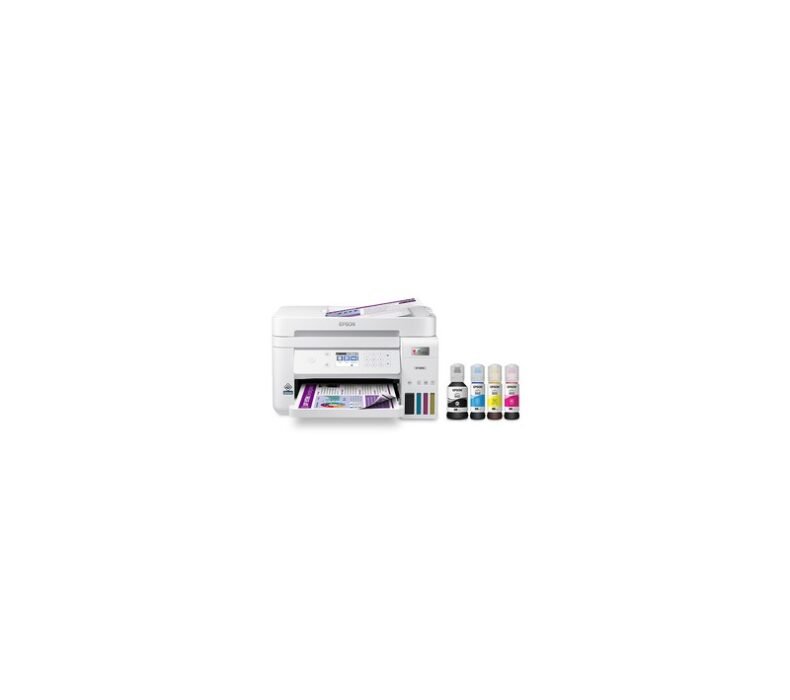
The best printer for most homes in Thailand is the Epson EcoTank L3250 at around ฿4,290. It prints, scans, copies, and runs over Wi-Fi, and the bottled ink costs a few satang per page, not the brutal cartridge prices that trap budget buyers here. Need office speed? The Brother DCP-T520W. Want the cheapest start? The Epson L3210 near ฿3,290.
Every printer on this list is an ink-tank model. That is deliberate. In Thailand, a genuine cartridge set runs ฿800 to ฿1,500 and empties fast, so cartridge printers cost more to feed than they cost to buy. Ink-tank systems ship with bottles good for thousands of pages and refill for a few hundred baht. Over two years of regular printing, the gap is ฿5,000 to ฿10,000. That math is the whole reason this category exists.
Epson EcoTank L3250
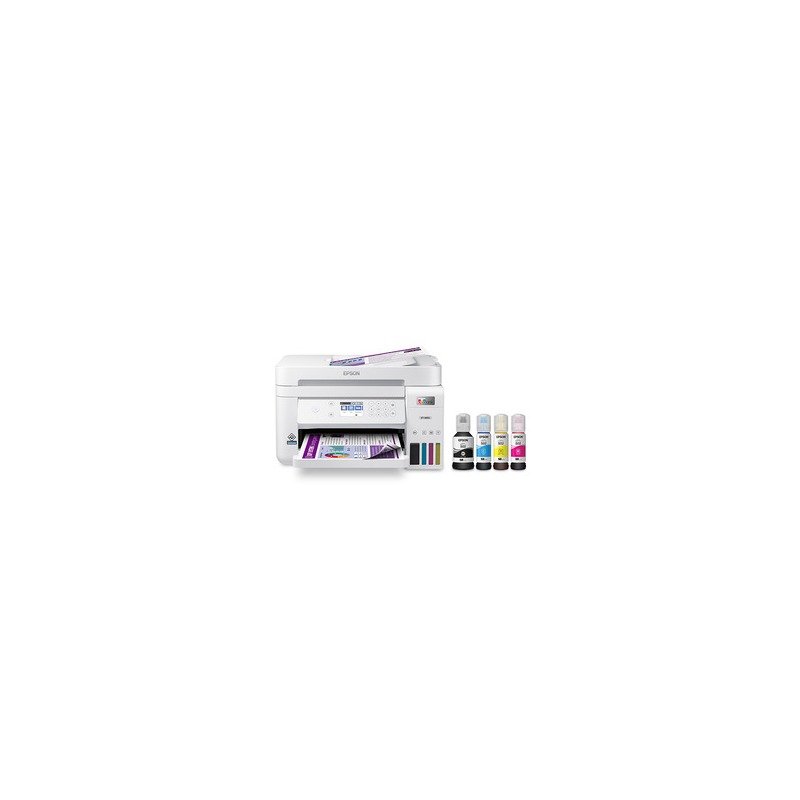
Best for: the typical Bangkok household printing school work, official documents, and the odd photo.
At around ฿4,290, the L3250 is the printer most people in Thailand actually need. It is the country’s best-selling ink-tank model and the reason is boring in the best way. The ink in the box prints roughly 4,500 black and 7,500 color pages, and a refill bottle set from major Thailand sellers runs about ฿350 to ฿450 for thousands more. You stop thinking about ink cost. That is the point.
Print quality lands at 5760×1440 dpi and 10 pages per minute in black. Wi-Fi and Wi-Fi Direct mean you print straight from a phone through the Epson Smart Panel app, including documents and photos shared in a LINE chat, with no PC in the middle. Apple AirPrint works for iPhone and iPad. The flatbed scanner copies a Thai ID or a government form in seconds without a computer.
The one limitation worth naming: it tops out at 10ppm in black, slower than a Brother InkTank if you batch-print 100-plus pages a day. For home volumes, you will never notice. For an office, look at the Brother below.
Check Epson EcoTank L3250 current price →
We have not personally tested every unit here. This roundup draws on verified owner reports from Thailand buyers, Pantip threads, and long-term reviews.
Brother DCP-T520W InkTank
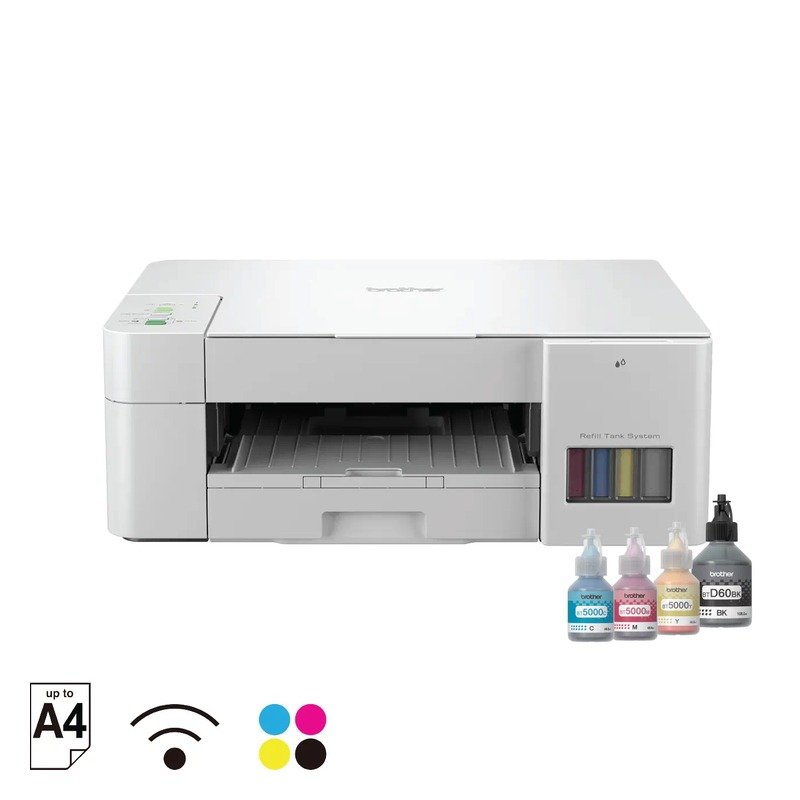
The one thing that separates the Brother from the Epson is throughput. Around ฿4,490, the DCP-T520W runs Brother’s Refill Tank system and pushes up to 16 pages per minute in black, roughly 60% faster than the L3250. For a small Thai office printing invoices, contracts, and class handouts in batches, that speed is the difference between waiting and walking away.
Best for: a home office or shophouse counter that prints in stacks, not single pages.
The box ink prints about 7,500 black and 5,000 color pages, and Brother sells genuine refill bottles cheaply through major Thailand sellers. Wi-Fi covers Windows, Mac, Android, and iOS. AirPrint and Mopria mean any phone in the household prints without installing an app, which removes the usual “why won’t it connect” argument when several people share one printer. Brother backs it with a 2-year Thailand warranty, longer than most rivals at this price.
The trade-off: color drops to around 9ppm and borderless A4 photo printing is not its strength. If you mostly print text and the occasional chart, that is fine. If family photos matter, the Canon below does that job better.
Check Brother DCP-T520W current price →
Canon PIXMA G3020 MegaTank
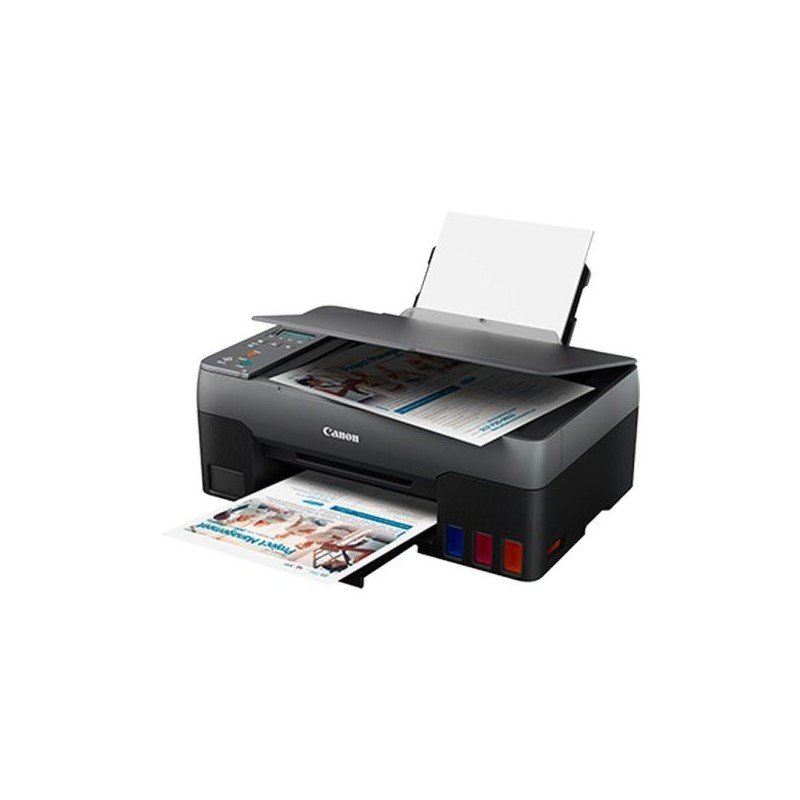
If you print family photos and ID photos alongside documents, the Canon PIXMA G3020 is the pick. At around ฿4,990, Canon’s MegaTank delivers 6,000 black and 7,700 color pages from the box, and the FINE print head produces borderless prints up to 4800×1200 dpi. Color reproduction is the most accurate of the four for portraits and skin tones.
Best for: households that print photos and want Canon color without paying a photo lab.
One Canon owner summed up the appeal: they had burned through two cartridge printers, one dead after a year and the next after two, before the MegaTank ended the cycle. Wi-Fi and the Canon PRINT app connect up to five devices, and AirPrint covers iPhone and iPad. The printer is widely stocked through major Thailand retailers with genuine Thai warranty.
The limitation: black text runs at about 8.8ppm, slower than the Brother for office batches. The G3020 is built for color, not speed. Buy it for what it does well.
Check Canon PIXMA G3020 current price →
HP Smart Tank 580
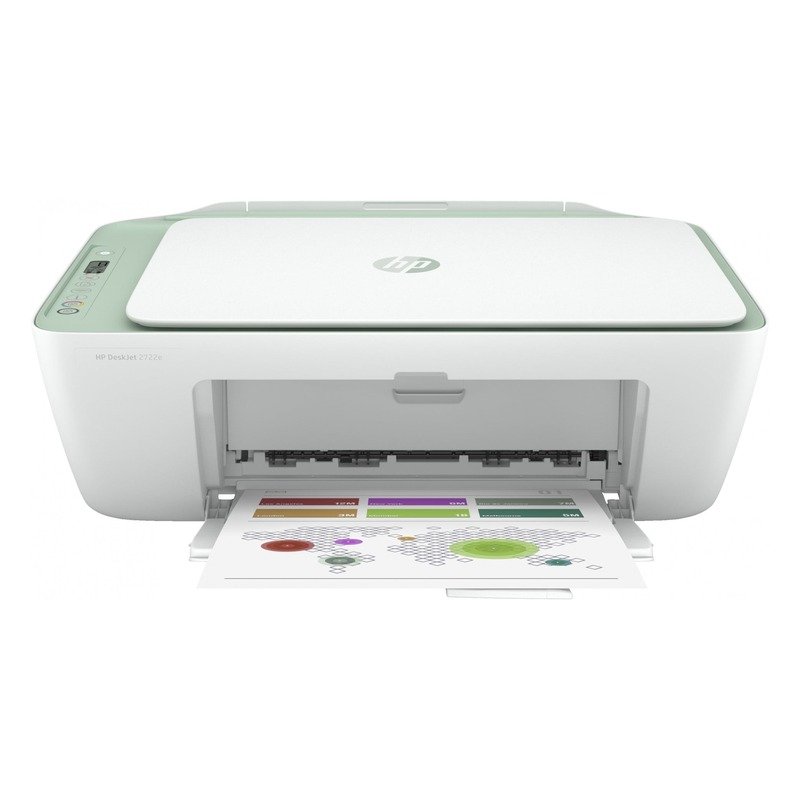
For sheer ink stockpile, nothing here beats the HP Smart Tank 580. Around ฿4,790, its box ink is rated for up to 12,000 black and 6,000 color pages, the highest yield on this list. If you print a lot and hate refilling, the runway is long. The HP Smart app drives setup and scanning, and AirPrint handles iPhone printing without extra software.
Best for: heavy printers on iPhone and iPad who want the longest stretch between refills.
Here is the counterintuitive part. Reviews call the setup easy, and on iOS it genuinely is, done in a few minutes over Wi-Fi. But owners on the HP support forums tell a split story. Several report the HP Smart app fails to finish setup on Windows 11, and the scanner sometimes is not detected on a PC even when the iOS app sees it fine. If your household is iPhone-first, this printer is smooth. If it lives on a Windows desktop, budget extra patience for the first day.
That caveat aside, the running cost and yield are excellent, and HP Thailand has a service network across the major provinces.
Check HP Smart Tank 580 current price →
Epson EcoTank L3210
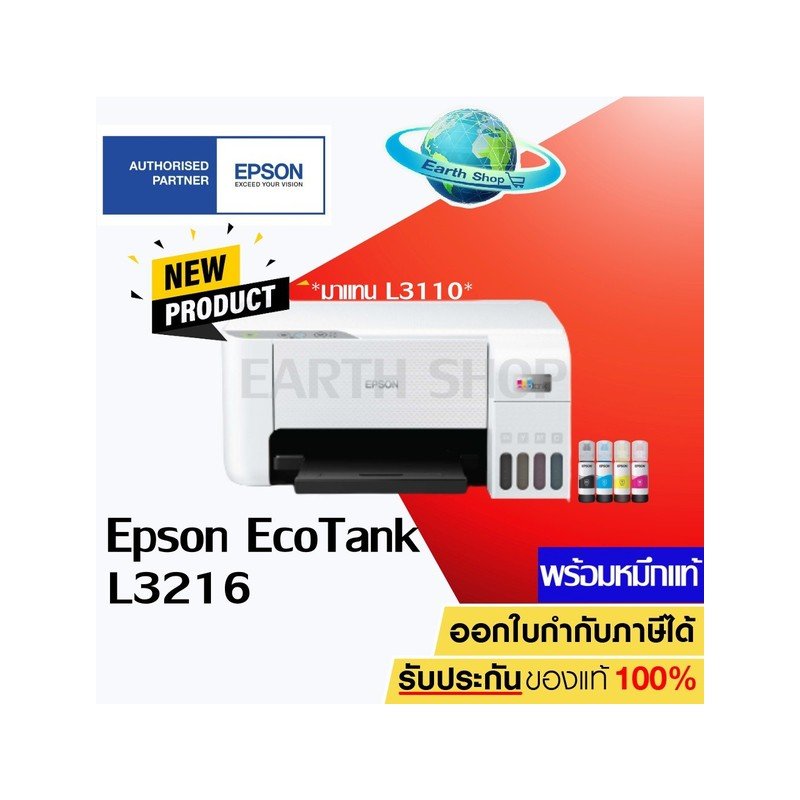
At around ฿3,290, the L3210 is the cheapest way into EcoTank economics. It is the L3250 without Wi-Fi. You connect by USB to one computer, and in return you save several hundred baht. For a student printing reports and worksheets from a single laptop, that is a smart trade.
Best for: anyone keeping to ฿3,500 or under who prints from one computer.
One Thai owner who has run an L3210 for three years says it still prints sharp and refills easily, which is the long-term verdict that matters more than any spec sheet. Print quality and yield match the L3250: 5760×1440 dpi, the same 4,500 black and 7,500 color box pages, the same cheap refill bottles. You give up only the wireless convenience.
The limitation is exactly that missing Wi-Fi. If you want to print from a phone or share the printer across the house, spend the extra ฿700 on the L3250. If one laptop and a USB cable cover your life, the L3210 is the value buy of the group.
Check Epson EcoTank L3210 current price →
How to choose a printer in Thailand
Start with one rule: buy ink-tank, not cartridge. A cartridge set in Thailand costs ฿800 to ฿1,500 and runs out fast, and third-party cartridges void the warranty and damage the head. Ink-tank bottles cost ฿200 to ฿400 for thousands of pages. Unless you print fewer than ten pages a year, the tank pays for itself inside the first year.
Then pick by what you actually print. For mixed home use, the Epson L3250 covers everything. For office batches, the Brother L3250 speed gap is real, so go Brother DCP-T520W. For photos, the Canon G3020 color wins. For the longest ink runway on an iPhone household, the HP Smart Tank 580. For the tightest budget on a single PC, the Epson L3210.
One owner trap to plan for on every dye ink-tank printer: idle clogging. If the printer sits unused for weeks, the ink dries in the nozzle and the next print needs a head-clean cycle that spends ink. The fix is simple. Print a test page every couple of weeks. Low-volume home users feel this most, so build the habit early.
If you only need one entry-level model and want the full breakdown, our Epson EcoTank L3250 review goes deeper on yield, scan quality, and the Thai warranty. For a wider look at home-office gear, see our best mini PCs for Thailand guide. Independent long-term coverage of the EcoTank waste ink pad behavior is documented at CompAndSave.
Frequently Asked Questions

Lek covers gaming hardware and computing at ElectroThailand. Specialising in gaming keyboards, mice, headsets, gaming chairs, and laptops, he tests every product against real gaming scenarios. His recommendations are built for Thai gamers who want performance without guesswork.